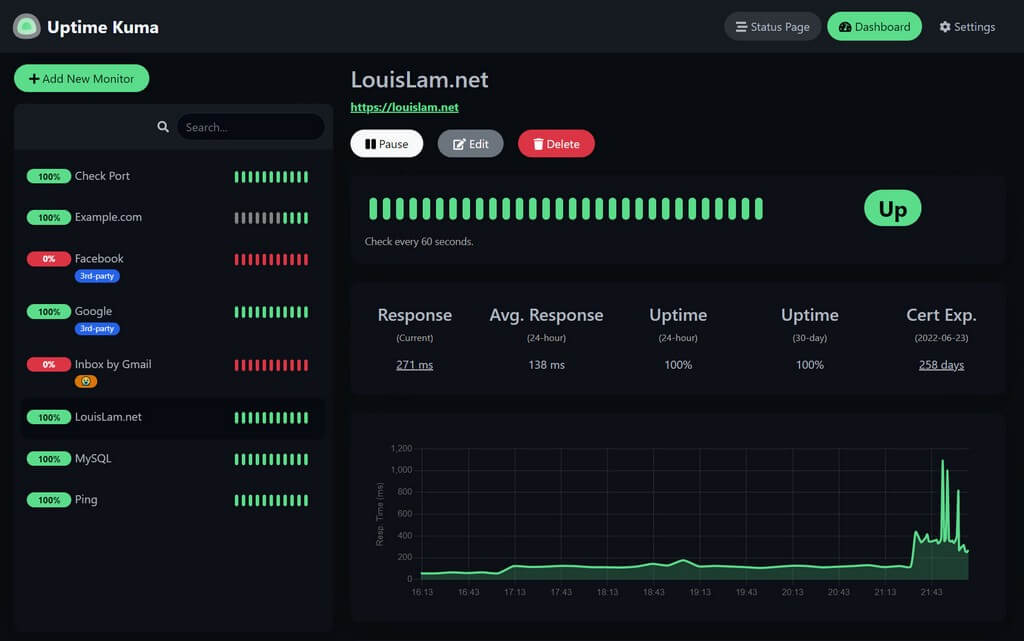
Manage status and alerts
Websoft9 provides two aspects of application status monitoring:
- Container status: As part of an application, container status reflects its health.
- Application access status: Monitor application availability and issue alerts from an accessibility perspective.
Containers status
-
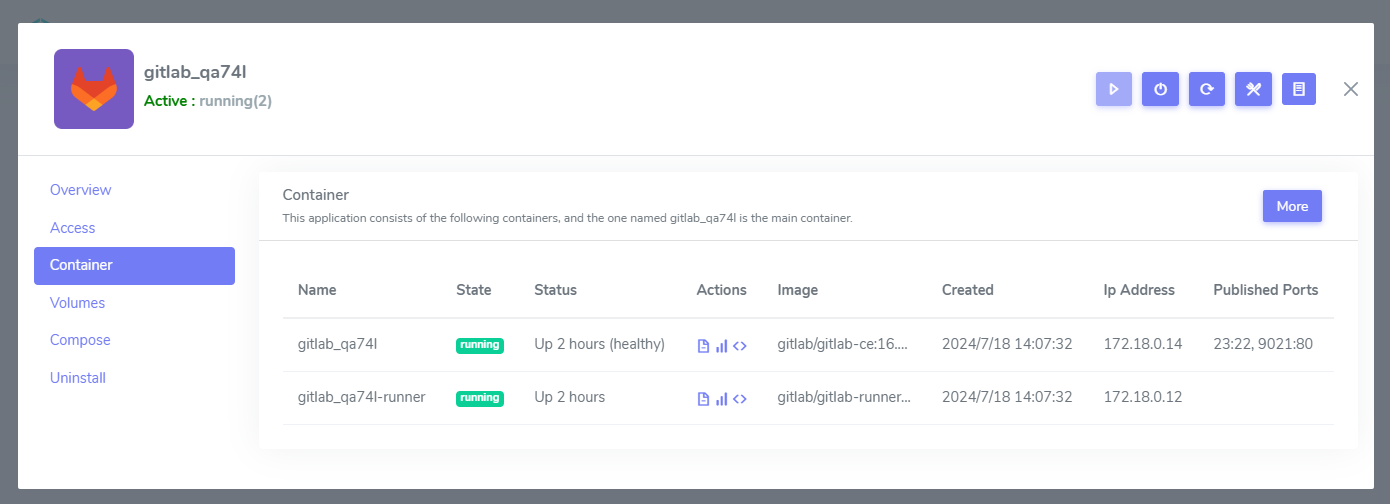
Login to Websoft9 Console, go the target application manage interface of My Apps
-
Click the Containers tab, you can see all containers status of this application
Application access status
Websoft9 recommends using Uptime Kuma from the App Store for application monitoring and alerting due to the availability of high-quality open-source tools.